How to delete logging using Management Portal
Delete logs to purge old information from the Altitude uCI Server database.
- Login in Management Portal.
- Select the menu option Tools > Data Maintenance....
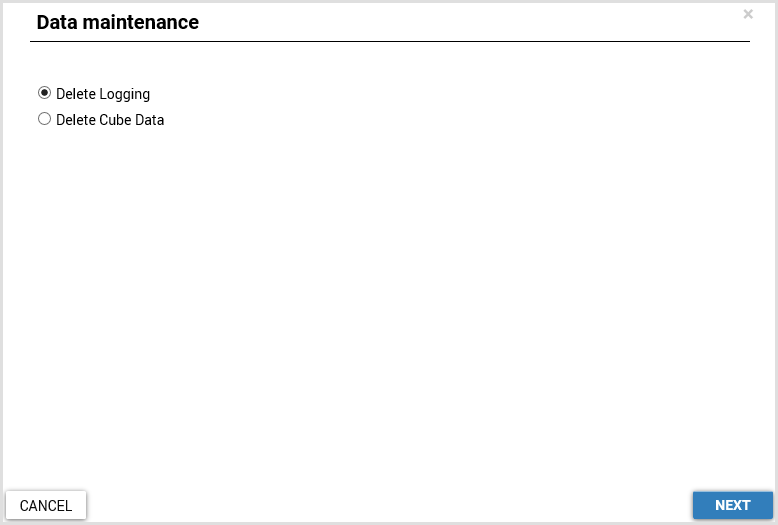
- Select Delete Logging.
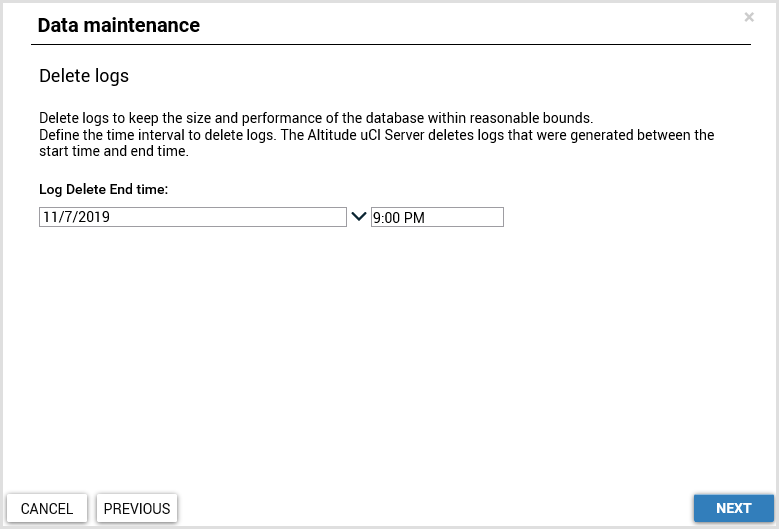
- Select the end moment. The delete logging operation deletes logs until the Log Delete End Time.
- Log Delete End time: Select the final moment to delete logging.
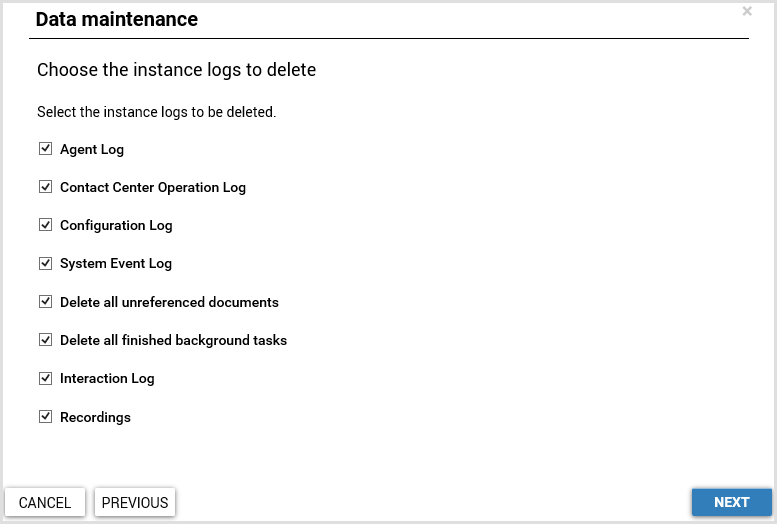
- Select the data to delete.
- Agent Log: Deletes all Agent Operation Logs and Agent in Campaign Logs older than the specified end time.
- Contact Center Operation Log: Deletes all Contact Center Operation Logs older than the specified end time.
- Configuration Log: Deletes all Configuration Logs older than the specified end time.
- System Event Log: Deletes all System Event Logs older than the specified end time.
- Delete all unreferenced documents: Deletes all documents, Knowledge Base documents, document notes, revisions, related permissions, and default quick text articles in campaigns of the documents that are not being referenced. Also deletes the document files from the Documents folder of the server where the Altitude uCI Server is running.
- Delete all finished background tasks: Deletes the background task logs, and the SSM internal snapshots. Also deletes all background tasks in the following states:
- Canceled
- Aborted
- Completed
- Obsolete
- Interaction Log: Deletes all global interactions, threads, and segments older than the specified end time.
- For recordings, nullifies the references to the global interactions and threads older than the specified end time.
- For contact history, nullifies the references of the threads older than the specified end time.
- For threads, nullifies the reference to other threads older than the specified end time.
- For global interactions, nullifies the references to other global interactions in Auto-reply, Overflowed to another interaction, and Interaction with the same UCID.
- Recordings: Deletes all database recordings older than the specified end time.
- Click Finish.