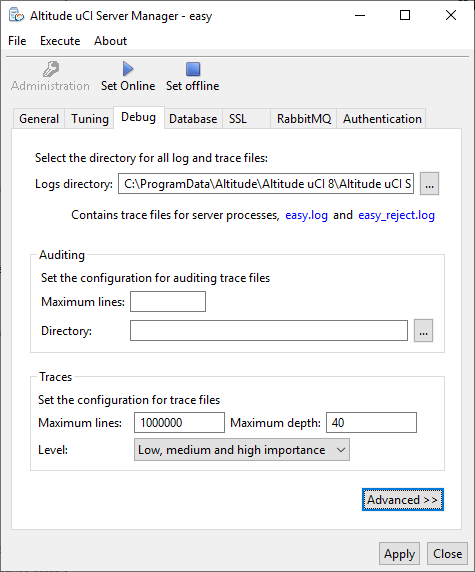
Altitude uCI Server Manager, tab Debug
Configure the log and trace file location.
Auditing
- Maximum lines: Maximum number of lines in the audit trail files. When the size of the audit trail file exceeds Maximum lines, the Altitude uCI Server closes the current file and starts a new audit trail file. The name of the new audit trail file has the same format as the previous file with an additional rollover id.
- Directory: Path to the folder where Altitude uCI Server stores audit trail files.
Important
If the folder is invalid or unreachable, the Altitude uCI Server does not boot.
Traces
The configuration of trace files applies to the Altitude uCI Server processes that do not use the trace server for logging.
- Maximum lines: Maximum number of lines in the trace files. When the trace file exceeds this size, the Altitude uCI Server renames the current file and starts a new trace file. The default maximum number of lines is 1000000.
- Maximum depth: The number of nested functions to display in the trace files. Values for the debug depth range from 1 to 40, where 1 is the value with the lower number of nested functions. The default is 40.
- Level: The importance of the information to write to the trace files. Values for the debug level range from 1 to 4, where 1 corresponds to minimum detail (High importance) and 4 corresponds to the maximum detail (All debugging importance).
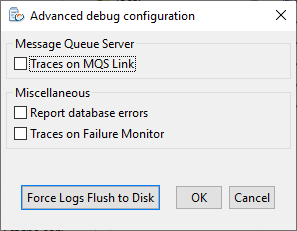
Advanced
|
|