How to change a license file
Change the license file when the current license file is about to expire.
- Open License Manager. In the Windows system tray, right-click the License Manager icon and select Open License Manager.
-
Change the license file.
In License file, click ... to select the new license file.
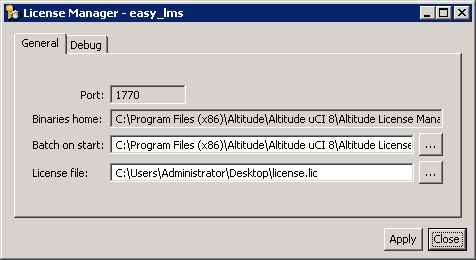
- Click Apply.
- Refresh the license. In the Windows system tray, right-click the License Manager icon and select Refresh License.