Admin tab
|
Note
|
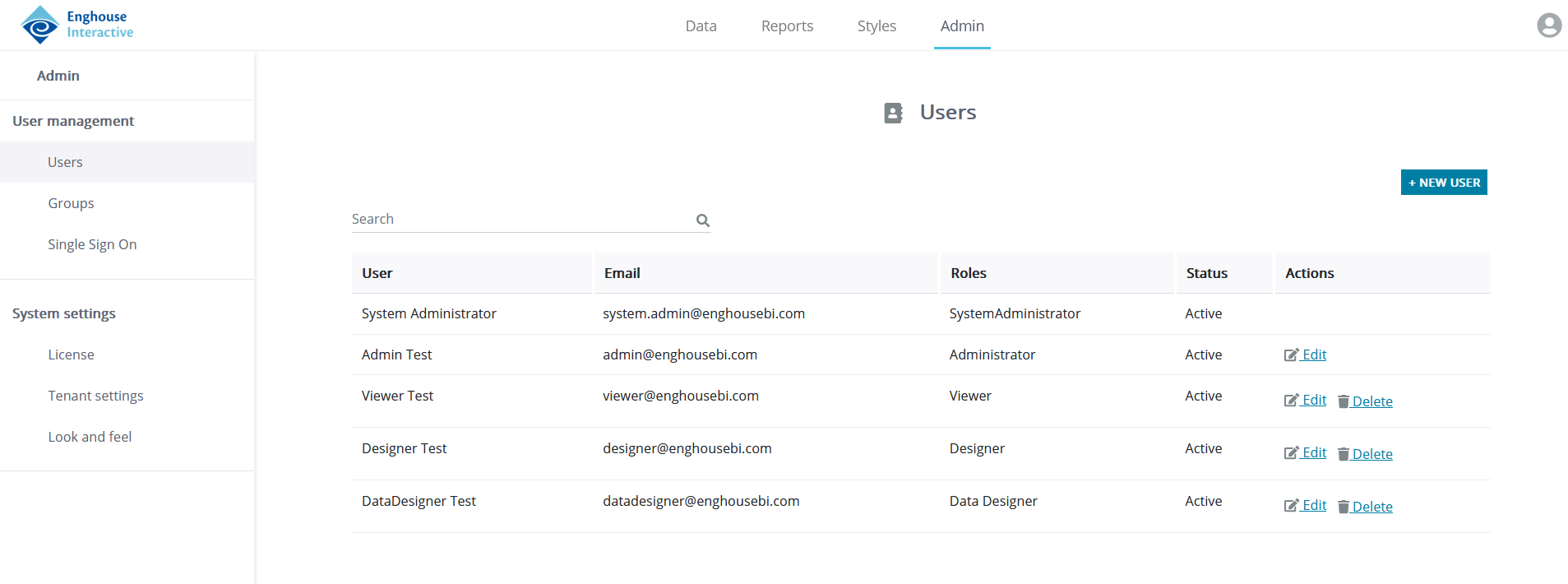
Clicking the Admin tab at the top of your Reporting window opens the Administrator screen.
In the left-hand side of the screen is the Admin pane. It shows various available settings and refers to user and system management. The options are divided into these groups:
- User management
- Settings related to individual users
- Settings related to user groups
- Single Sing On settings
- System settings
- License-related options
- Tenant-related options
- Look and feel
The upcoming sections of this Guide explain these options in more detail.