Favorites
If the Reports list contains many different assets, the Favorites functionality facilitates finding reports that are used more often.
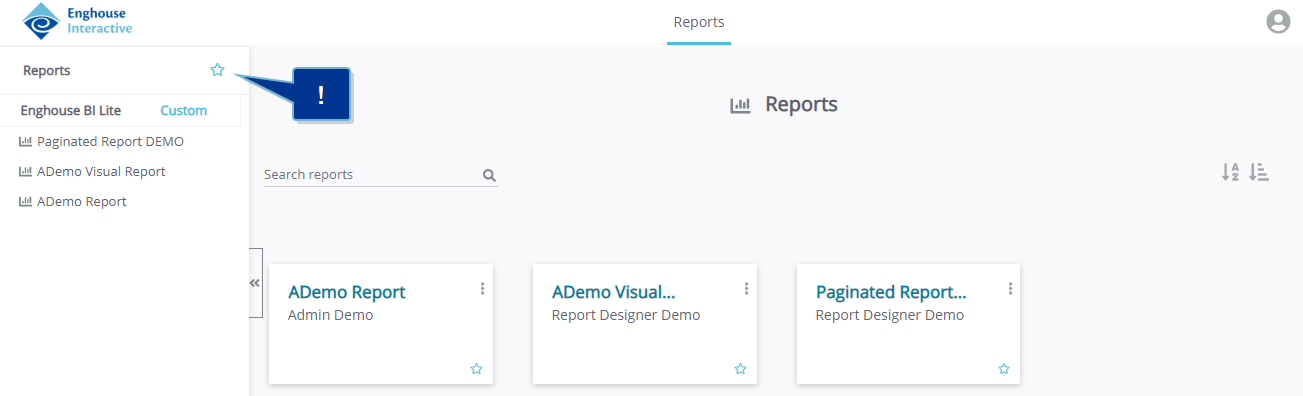
You can add an asset to your Favorites in the pane to the left, or in a tile in the main window. On hover over an asset, a disabled (grayed out) star icon  is displayed. When clicked, the related report is added to the favorites list, and is from that moment on marked with an enabled (blue) star icon. This indicates that these assets are marked as Favorites.
The left pane and main window can then be filtered for favorites by clicking the star next to the list title in the pane.
In the example below, only the reports marked as favorite are displayed in the list and as tiles in the main window.