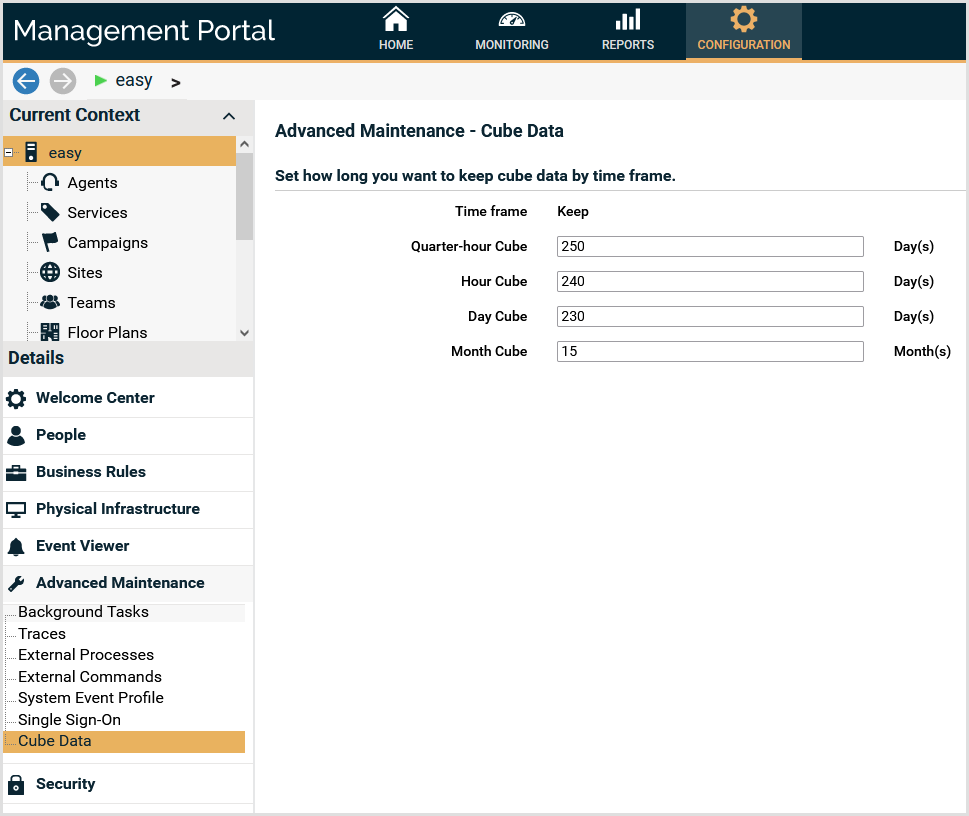
How to configure the default values for cube data deletion
Configure the default values for the cube data deletion operations, for the contact center, and for each service.
- Configure the default values for the contact center.
- Select the current context of the contact center.
- Select the details group Advanced Maintenance, panel Cube Data.
- Configure the default values for the cube data deletion. Configure how many days to keep the cube data as follows:
- Quarter-hour Cube: Enter the number of days to keep the cube data for the 15 minute cubes.
- Hour Cube: Enter the number of days to keep the cube data for the hour cubes.
- Day Cube: Enter the number of days to keep the cube data for the day cubes.
- Month Cube: Enter the number of days to keep the cube data for the month cubes.
Time frame
Minimum value
Quarter-hour
180 (days)
Hour
180 (days)
Day
180 (days)
Month
12 (months)
Note
The configured values are used in the wizard Data maintenance, using the option Delete cube data, with the action Use the default configuration, all data. Click here to see how to delete cube data using the wizard.
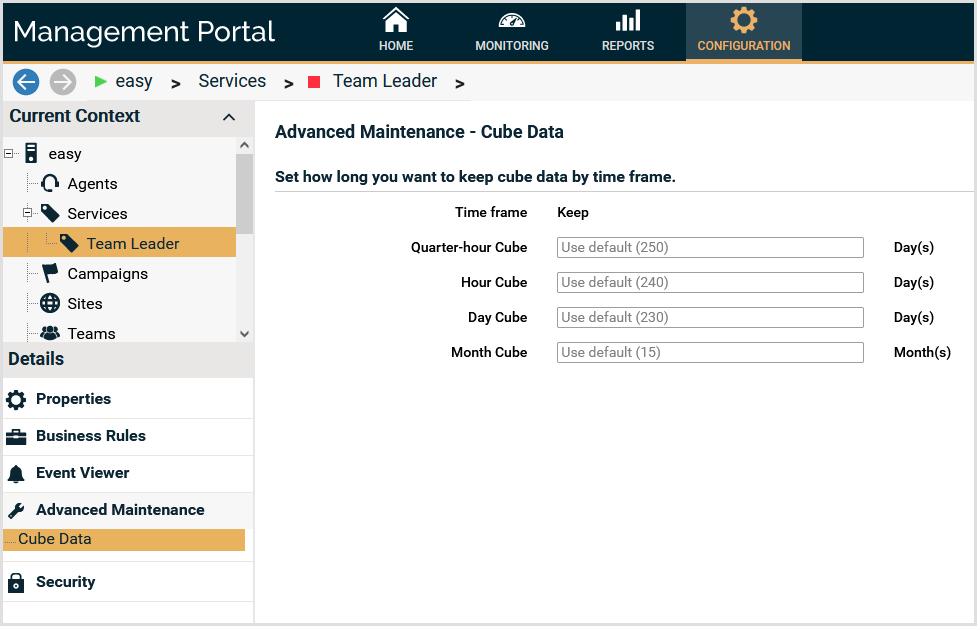
- (Optional) Configure the default values for a service.
- Select the current context Services.
- Select a service.
- Select the details group Advanced Maintenance, panel Cube Data.
- Configure the default values for the cube data deletion. In the service configuration, you can enter new values for the fields, or leave empty to use the value configured in the contact center context. Configure how many days to keep the cube data as follows:
- Quarter-hour Cube: Enter the number of days to keep the cube data for the 15 minute cubes.
- Hour Cube: Enter the number of days to keep the cube data for the hour cubes.
- Day Cube: Enter the number of days to keep the cube data for the day cubes.
- Month Cube: Enter the number of days to keep the cube data for the month cubes.
Time frame
Minimum value
Quarter-hour
180 (days)
Hour
180 (days)
Day
180 (days)
Month
12 (months)
Note
The configured values are used in the wizard Data maintenance, using the option Delete cube data, with the action Use the default configuration, all data. Click here to see how to delete cube data using the wizard.