Change your password
- Log in to CCaaS Admin.
- Click the down arrow after your user name and then click Change User Password.

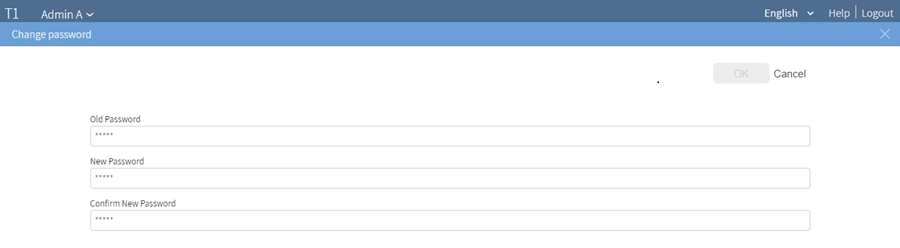
- In the Change password dialog, type your new password and confirm it. Do not use the double quote (") character or spaces.
- Click OK.