How to filter
Your permission profile determines which groups and teams you can filter by.
- Click
 Filter.
 - In the Filter by dialog, select the criteria to filter by.
Note
|
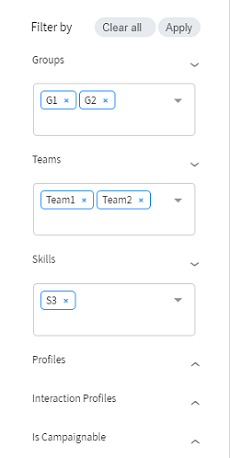
The following example filters for agents that are in Groups 1 or 2, AND in Teams 1 or 2, AND have the S3 skill.
- Click Apply. The
 Active filter icon appears above the filtered list.