Multiple administrators
Depending on how your contact center is configured, more than one administrator user may be logged on simultaneously.
Simultaneous updates
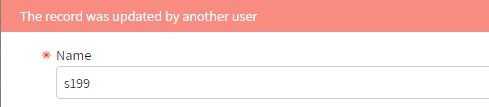
If two administrator users open an item for update, the first user to click OK in the dialog succeeds with the update. When the other user clicks OK, the message The record was updated by another user appears in the dialog.
Simultaneous update and delete
If an administrator user opens an item for update, and another administrator user deletes the item, when the first user clicks OK, the message The item does not exist appears in the dialog.
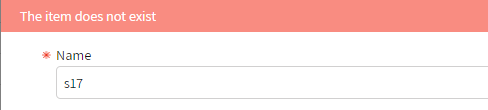
If an administrator user deletes an item, and another administrator user tries to update the item by clicking it in the list, the warning message The item does not exist appears.