Add a new survey
- On the Post Survey page, click
 . The Add Surveys dialog appears.
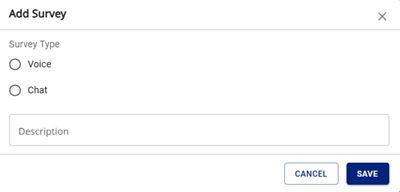
- Enter the following information:
- Survey type — select whether to use the survey after Voice or Chat calls.
- Description — a description of the survey.
- Click Save. The message Successfully added appears and the new survey appears on the Post Survey page.