Delete a configuration file
- On the Addons Parameters page, select the component from the Addons list. The Configure [Addon Name] dialog appears.
- Click
 . The De-assign Tenant Configuration dialog appears.
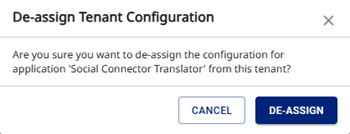
- Click De-assign. The configuration data is removed from the Provisioning Portal.