Edit branding for Provisioning Portal
- On the Branding page, in the ProvisioningPortal row, click
 .
. - The ProvisioningPortal dialog appears.
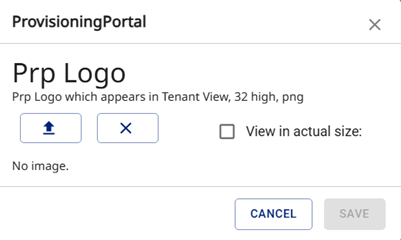
- To select an image, click
 .
.
|
Note Images are resized and the aspect ratio is adjusted to match. To see the original uploaded image , click View in actual size. |
- To remove the branding, click
 .
. - Click Save.