Duplicate a working hours placeholder
- On the Working Hours page, select the application in the Application list.
- In the working hours placeholder's row, under Actions, click
 and then click
  Duplicate. The Duplicate Working Hours dialog appears.
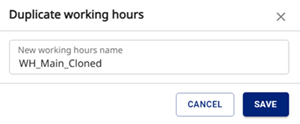
- In New working hours name, enter a name for the duplicated working hours placeholder.
- Click Save. The new working hours placeholder appears on the Working Hours page.