Edit an announcement flow placeholder
- On the Flows page, select the application in the Application list.
- In the announcement flow placeholder's row, click
 . The Edit [announcement name] dialog appears.
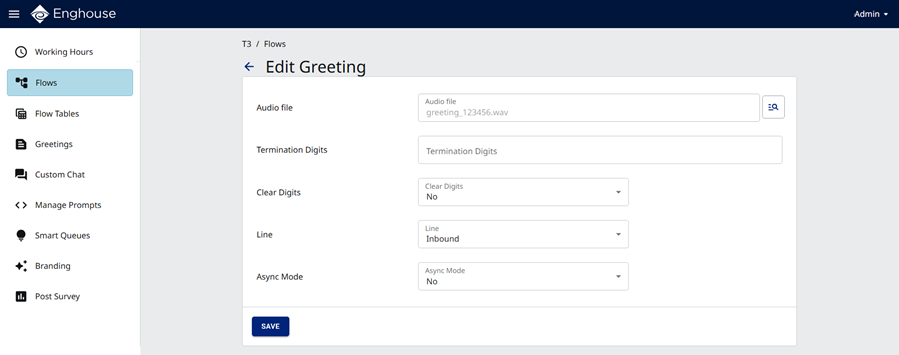
- Click
 next to the Audio file field. The Choose Prompt dialog appears. Select the prompt to use and click Save.
 - Refer to the Designer Help to specify values for the remaining fields.
- Click Save.