Change prompts permissions profile
To authorize regular supervisors to make changes:
- On the Manage Prompts page, select the application in the Application list.
- Point to the prompt name and then click
 Permission Profiles Prompt in the same line. The Permission Profiles dialog appears.
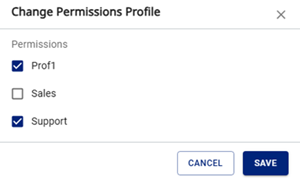
- Select the permission profiles in the list.
- Click Save.