Import a workspace
|
Note
|
|
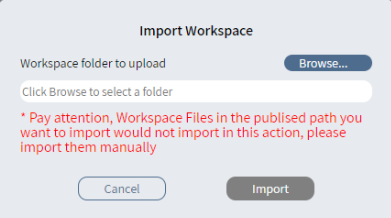
Caution Workspace files in the publish location are not automatically imported. You must manually import them. |
- On the navigation pane, click
 Tenant Home or in the Workspace editor, click
  . The Get started page appears.
 - Click Import workspace.
- In the Import Workspace dialog, click Browse.
- Select the file system folder to upload and click Upload.
- Confirm that you want to upload all the files to the site.
- In the Import Workspace dialog, click Import.
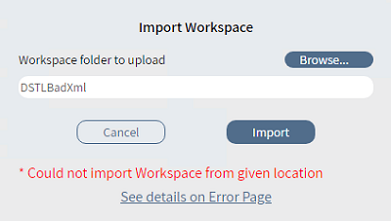
- If the import fails, click See details on the Error Page. See Errors page.