Search by attribute or keyword
Landlords and tenants can perform a keyword search to locate any relevant SQL transaction that contains the keyword.
You can use the following attributes/keywords in the search text field.
|
Attribute name |
Description |
|---|---|
|
SQL |
Information about the stored procedure/SQL specifics |
|
SQL parameters |
Detailed information about the SQL transaction |
- On the Change Audit page, in the Type to search in sql field, enter the attribute/keyword.
- Optionally select one or more filters. See Filter by user or change type.
- The results table displays changes that match the search criteria.
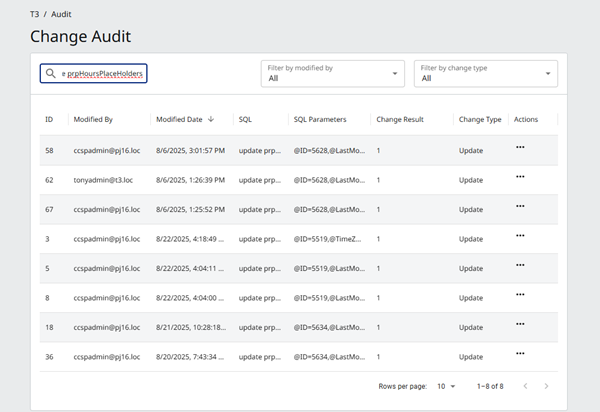
- To sort the results in a column, point to the column heading and click the arrow or Menu that appears.
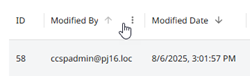
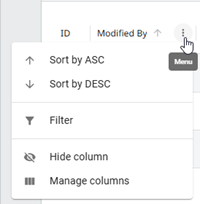
- To filter the results in a column, click the Menu and then click Filter. In the Filter, select the column and operator, and enter the value.

- To hide a column, click its Menu and then click Hide column.
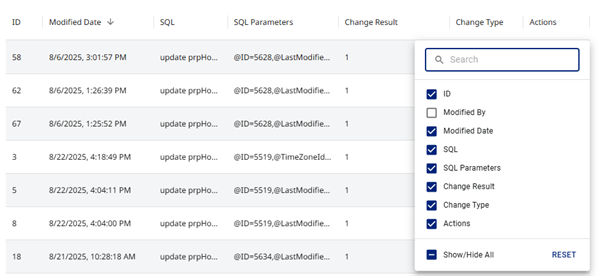
- To select the visible columns, click any column's Menu and then click Manage columns.
- To view further details for an individual change, see View the SQL script or parameters.