Introduction
This document provides information on the following Altitude components:
- Management Portal
- Interaction History
Management Portal Configuration Tasks
This section contains Management Portal configuration tasks.
Contents
|
Section |
Description |
|---|---|
|
Configure the contact center basic entities, and configure the entities to make calls, deliver interactions, and control agent work. |
|
|
Configure the business data for contact profiles and services. |
|
|
Configure campaigns, staff the campaigns, and load contacts. |
|
|
Define when to call contacts and when to retry failed calls. |
|
|
Configure monitoring information that agents use to monitor the contact center. |
|
|
Create report templates, generate and schedule reports to retrieve information from the contact center. |
|
|
Create and configure gateways for telephony, email, and instant messaging. |
|
|
Delete logging and cube data. |
Management Portal Reference
This section is a reference of the Management Portal menus, entity hierarchy, panels, and wizards.
Contents
|
Section |
Description |
|---|---|
|
Describes the menu and toolbar operations. |
|
|
Describes the Management Portal entities. For each entity, lists the related panels and wizards. |
|
|
Describes the Management Portal panels. |
|
|
Describes the Management Portal wizards. |
Monitoring
This section describes the monitoring concepts and provides a guide for the most common tasks associated with monitoring.
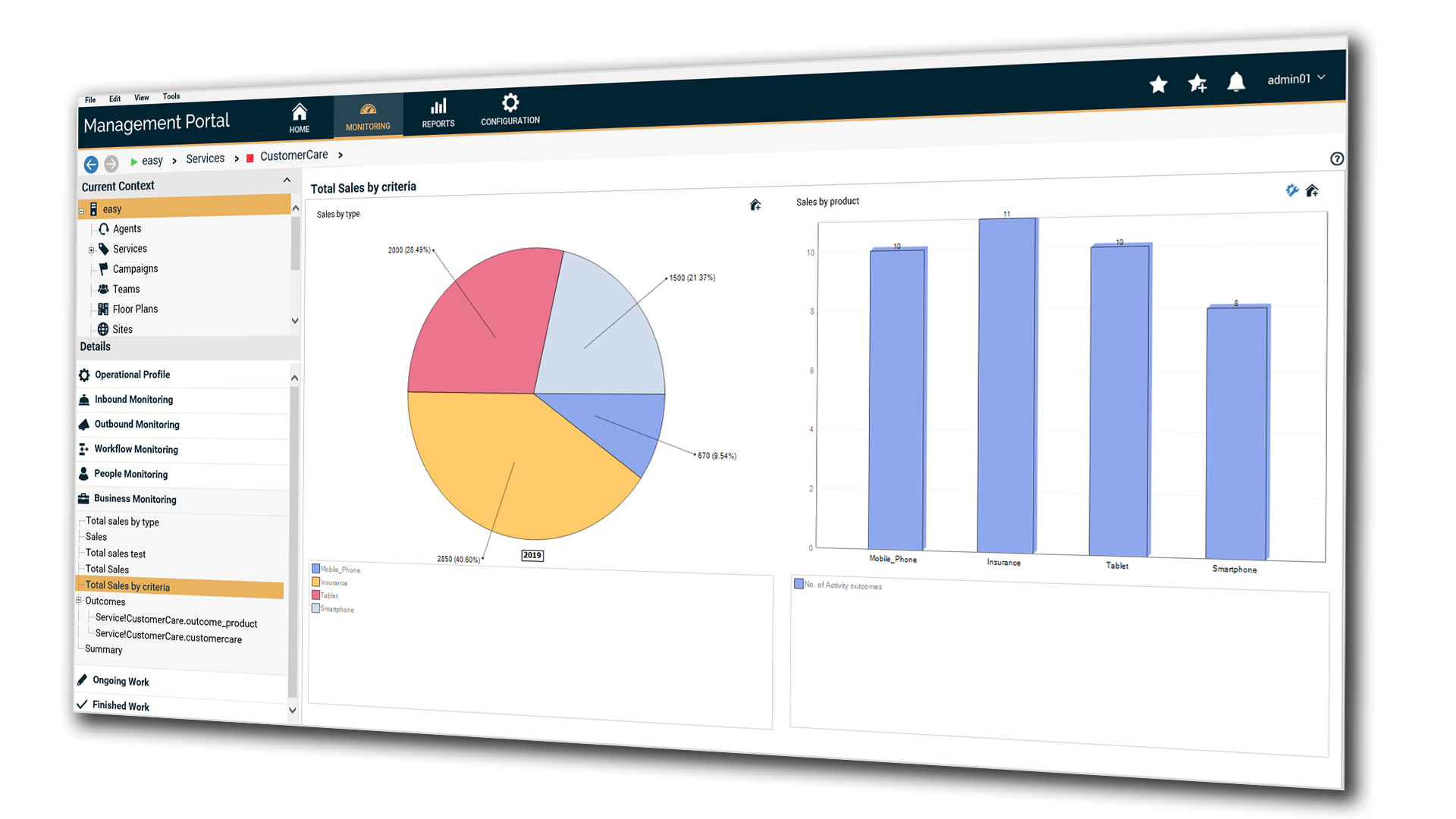
Contents
|
Section |
Description |
|---|---|
|
Explains the concepts related to monitoring. |
|
|
Contains common tasks to configure monitoring, create business panels, and business monitors. |
|
|
Presents the most common monitoring tasks and which Management Portal panels to use. |
|
|
Describes typical monitoring examples. |
|
|
Contains the reference of the dimensions and indicators used in monitoring. |
Reporting
This section describes the reporting concepts and provides a guide for the most common tasks associated with reporting.
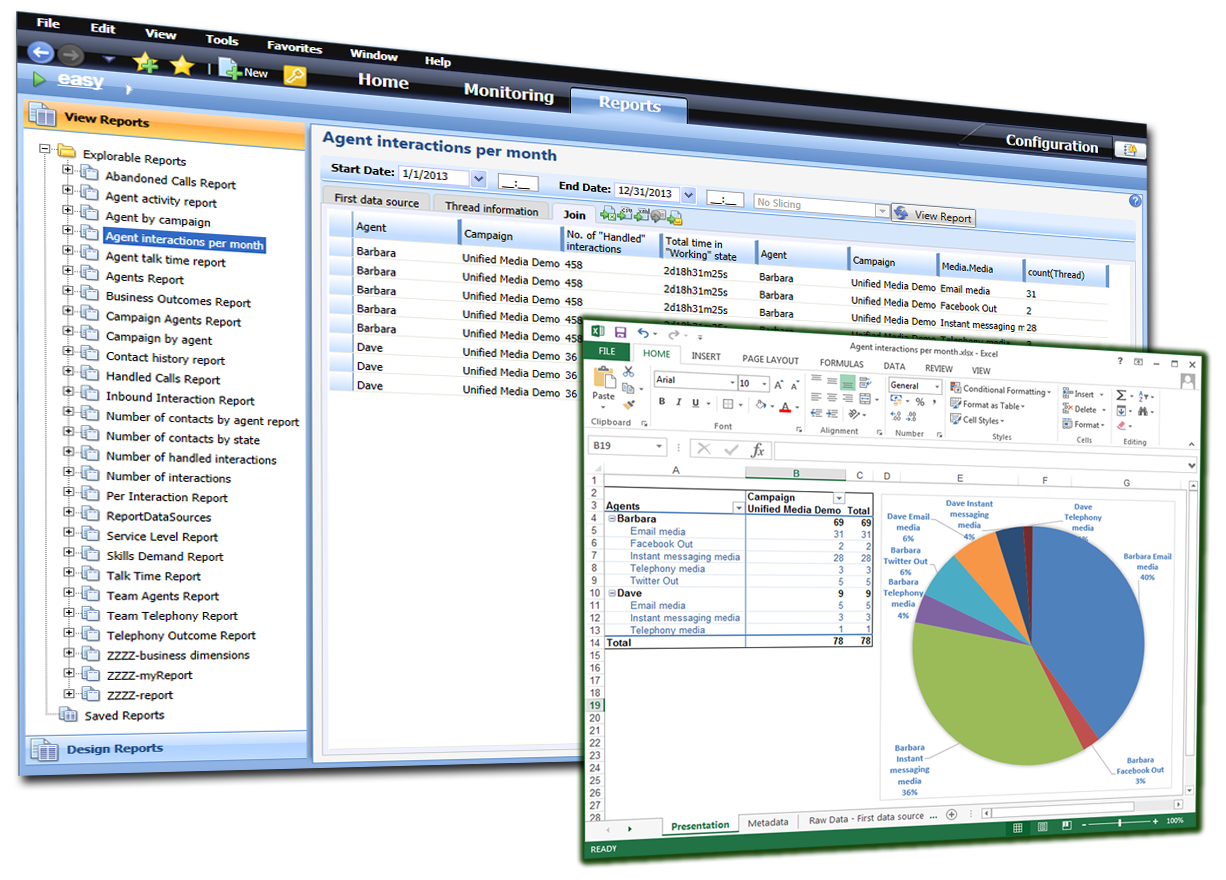
Contents
|
Section |
Description |
|---|---|
|
Explains the concepts related to reporting. |
|
|
Contains common tasks to configure reports. |
|
|
Contains common tasks to generate reports. |
|
|
Describes typical reporting examples. |
|
|
Contains the reference of the dimensions and indicators used in reporting. |
Roles and Permissions
This section contains examples of roles and permissions for Altitude users working in different contact center scenarios.
Contents
|
Section |
Description |
|---|---|
|
Roles grant or deny permission to read and perform operations over each Altitude contact center entity. |
|
|
Describes the permissions for each contact center entity. |
|
|
The example suggests roles and permissions for a small contact center with two campaigns monitored by one supervisor. |
|
|
The example suggests roles and permissions for a small contact center with two campaigns monitored by two supervisors. |
|
|
Example 3 - Small contact center with two business operations |
The example suggests roles and permissions for a small contact center with independent campaigns monitored by two supervisors. |
|
The example suggests roles and permissions for a contact center running campaigns on two sites. |
|
|
The example suggests roles and permissions for an outsourced contact center. |
|
|
The example suggests roles and permissions for an ASP contact center. |
|
|
The example suggests roles and permissions for the agents and team leaders of a campaign with 20 teams. |
|
|
The example suggests roles and permissions for a large contact center with agents that work in multiple campaigns simultaneously. |
|
|
The example suggests roles and permissions for an outsourced contact center with agents who log in remotely from the customer. |
Interaction History
This section provides a guide to configure and use the Interaction History application.
Contents
|
Section |
Description |
|---|---|
|
Describes what Interaction History is. |
|
|
Describes how to install and configure Interaction History. |
|
|
Describes how to filter interactions and see interactions and recordings using Interaction History. |
Logs and Troubleshooting
This section describes the logs and traces of Management Portal.
System Administration
This section contains considerations about the contact deletion stages in the Altitude uCI Server.