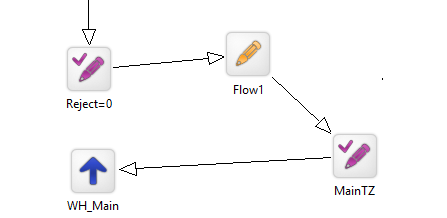
Use a different time zone for IVR
If you want to use a different time zone, you must follow the instructions in Edit the IVR time zone and select the Local time zone, and then configure it as shown in the following example. The following example is based on a template script.
- In Designer, edit IVR.XML as shown below.
|
From |
To |
|---|---|
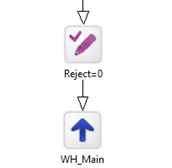
|
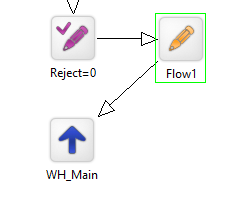
|
- In the Provisioning Portal, click the Flows page.
- Select the application and reload. See Reload flows.
- Edit Flow1 and add the block setTimeZone. See Edit a flow placeholder.
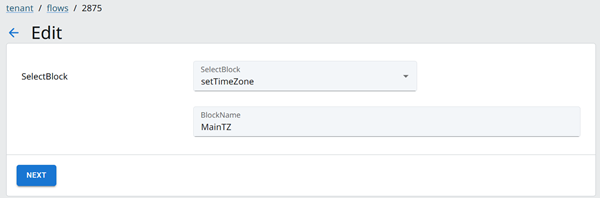
- Click Next.
- In the Edit [Block Name] dialog, select the Time Zone.
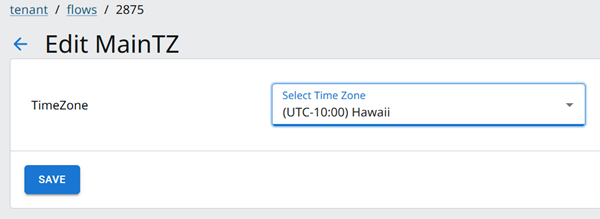
- Click Save.
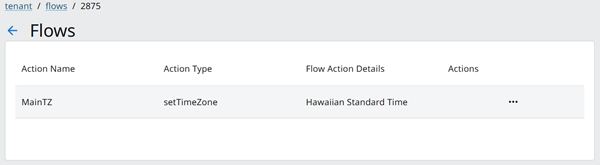
- Click Close.
- Publish the flow. See Publish flows.
|
Note This is how it displays in Designer.
|