Flows
This section contains the following topics:
- Define placeholders in flows with Designer
- Add a new flow placeholder
- Edit a flow placeholder
- Edit an announcement flow placeholder
- Edit a menu flow placeholder
- Publish flows
- Reload flows
- Integrate Flows module with existing IVR application
The Flows page appears as follows.
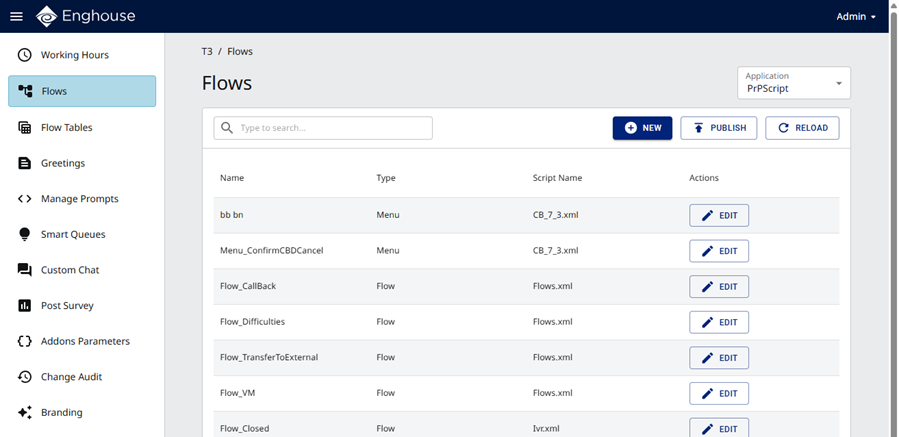
For a description of the default flow placeholders, see Flow placeholders.
Overview
This section describes how to configure a flow placeholder, which is a collection of customization points in the applications for the tenants exposed by the source template of the subscribed service package option.
The service providers decide which Designer blocks to expose as customization points in the Flows module page to the tenant administrators. These customization points are referenced as placeholder entries on the Flows page.
|
Note The flow placeholders that come with your tenant are sufficient in most cases. If you need additional flow placeholders, consult with your service provider |
A flow placeholder may be referenced by any of the following:
- Event defined in a working hours placeholder on the Working Hours page
- Menu placeholder type on the Flows page
- Flow placeholder type on the Flows page